You have probably seen the pitch: no more keys, no more hiding a spare under the flowerpot, and the ability to open your front door from your phone. Smart locks are one of the most popular upgrades in the connected home, but they raise a fair question. If your door depends on electronics, Wi-Fi, and an app, is it really as secure as a traditional lock?
In this guide, we look at how smart locks work, where the real risks are, what you actually gain, and how to decide whether one is worth your money.
Table of Contents
What Is a Smart Lock?
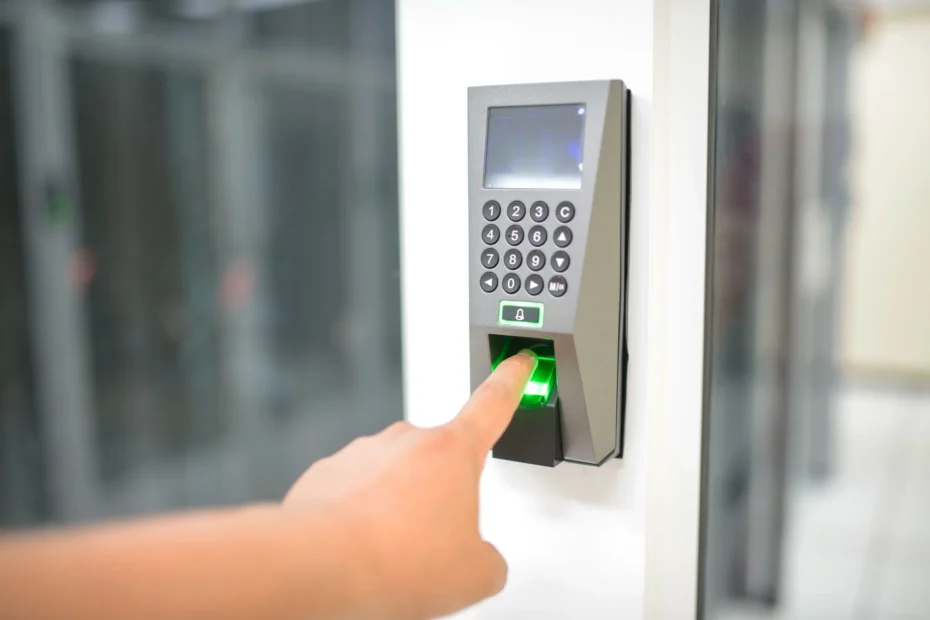
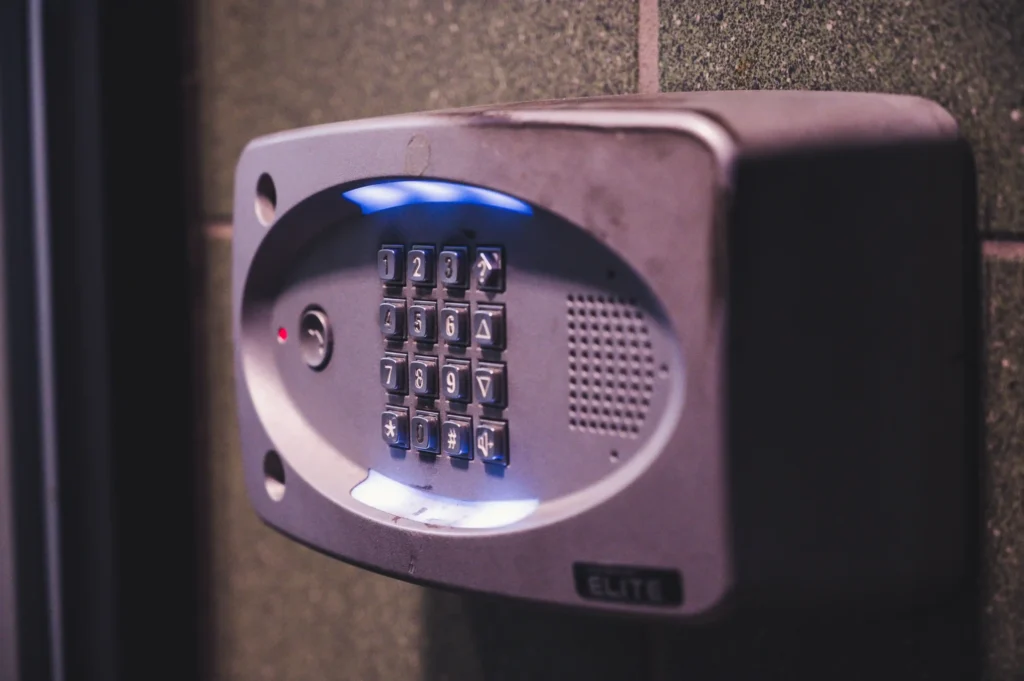
A smart lock is an electronic lock that lets you lock and unlock your door without turning a traditional key. Depending on the model, you can open it with a smartphone, a keypad code, a fingerprint, a key card, or a voice command through a smart speaker.
Most smart locks fall into three groups:
- Retrofit locks attach to the inside of your existing deadbolt. You keep your current lock and add a motorized unit on the indoor side. They are the easiest to install and are popular with renters.
- Full replacement locks replace the entire deadbolt and keypad. They usually offer more features and a more integrated look.
- Smart handles and levers combine the handle and lock in one unit, often with fingerprint readers.
How Do Smart Locks Work?
Inside the lock is a small motor that moves the bolt when it receives a valid command. That command can arrive in a few ways:
- Bluetooth: Works when you are near the door. It does not depend on your internet connection.
- Wi-Fi: Lets you control the lock from anywhere, though it uses more battery power.
- Z-Wave or Zigbee: Low-power wireless protocols that connect to a smart home hub. They are common in larger smart home setups.
- Matter and Thread: Newer standards designed to help devices from different brands work together more reliably.
- Keypad or fingerprint: Works locally on the lock itself, with no phone required.
Most models run on standard batteries and warn you when power is getting low.
Are Smart Locks Safe?
The honest answer is that a good smart lock from a reputable brand can be very secure, but it is not risk-free. Security depends on the product, how you set it up, and how you use it. Here are the main concerns worth understanding.
1. Hacking and Digital Attacks
Any device that connects to a network can, in theory, be targeted. In practice, well-made smart locks use encrypted communication, and the biggest real-world weaknesses usually come from poor passwords, outdated software, or cheap no-name products that never receive security updates.
To lower the risk:
- Choose a brand with a track record of publishing firmware updates.
- Use a strong, unique password for your lock account.
- Turn on two-factor authentication if the app offers it.
- Install updates as soon as they are available.
2. Physical Attacks
A lock is only as strong as the door and the bolt. Many break-ins involve force, such as kicking in the door or attacking a weak frame, rather than clever technology. A smart lock does not fix a flimsy door. Look for locks with a solid deadbolt, and consider reinforcing the strike plate and door frame with longer screws.
If you want a measurable standard, look for locks certified by ANSI/BHMA, which tests lock strength and durability. Grade 1 is the highest.
3. Power and Connectivity Failures
What happens when the batteries die or the Wi-Fi goes down? Reliable models have backup options:
- A physical key override in case electronics fail.
- Terminals on the outside that let you power the lock temporarily with a 9V battery.
- Local keypad or Bluetooth access that works without the internet.
If a model has no backup of any kind, think twice before buying it.
4. Privacy
Some smart locks log who enters and when. That is useful, but it is also personal data. Read the privacy policy, check what the app stores, and decide whether you are comfortable with it. Locks that keep most functions local are generally better for privacy.
The Benefits of Smart Locks
Security is only part of the story. Here is why many people find smart locks genuinely useful.
- No more lost keys. A forgotten key stops being an emergency.
- Temporary access codes. Give a cleaner, dog walker, or guest a code that works only on certain days or hours, then delete it when you are done.
- Entry logs. See when the door was locked or unlocked, which is handy for families.
- Auto-lock. The door locks itself after a set time, which helps if you often wonder whether you locked up.
- Remote control. Let in a delivery person or a family member while you are away.
- Smart home integration. Pair the lock with lights, cameras, and routines. For example, have the entry light turn on when you unlock the door.
The Downsides to Consider
Smart locks are not perfect, and it is better to know the trade-offs before you buy.
- Cost. Good models typically cost far more than a basic deadbolt.
- Battery maintenance. You need to replace batteries now and then, and you should not ignore low-battery warnings.
- Compatibility. Not every lock fits every door, and some do not work with every smart home platform.
- Learning curve. Setting up codes, users, and automations takes a little time, especially for less technical family members.
- Dependence on the app. If a company shuts down its service, some features may stop working.
Are Smart Locks Worth It?
It depends on your situation. A smart lock is likely worth it if:
- You rent out a property or host guests and need to share access easily.
- You have a family with children or older relatives who often forget keys.
- You already use a smart home setup and want everything to work together.
- You want a record of who comes and goes.
It may not be worth it if you are on a tight budget, your door is in poor condition, or you simply prefer the simplicity of a key. In that case, spending the money on a stronger deadbolt and a reinforced door frame might improve your security more than any gadget.
How to Choose the Right Smart Lock?
Use this checklist before you buy:
- Check your door. Measure the thickness and the bore hole, and confirm the lock fits.
- Pick your connection type. Bluetooth is simple, Wi-Fi gives remote access, and Z-Wave, Zigbee, or Matter suit bigger smart homes.
- Look for a security rating. ANSI/BHMA Grade 1 or Grade 2 is a good sign.
- Confirm backup access. A physical key or 9V emergency power option is a must.
- Check app quality and updates. Read recent reviews and see how often the brand updates its software.
- Compare unlocking methods. Keypad, fingerprint, and phone access each suit different households.
- Think about your smart home platform. Make sure it works with Alexa, Google Home, or Apple Home if you use them.
Smart Lock Safety Tips
Once you have your lock, a few habits will keep it secure. For more on passwords, updates, and two-factor authentication, see the Secure Our World guides from CISA, the U.S. cybersecurity agency.
- Change the default code immediately and avoid obvious combinations like 1234 or your birth year.
- Review user codes every few months and delete any you no longer need.
- Keep the lock’s firmware and app up to date.
- Use a separate, strong Wi-Fi password and keep your router updated.
- Replace batteries as soon as the low-battery warning appears.
- Keep a physical backup key somewhere safe, but not in an obvious hiding place.
- Turn off remote access if you never use it.
Frequently Asked Questions
Can smart locks be hacked?
Any connected device can be targeted, but reputable smart locks use encryption and receive security updates. Most problems come from weak passwords, missing updates, and low-quality products.
What happens to a smart lock if the power goes out?
Smart locks run on batteries, so a power cut at home does not affect them. If the internet goes down, remote control may stop, but keypad, fingerprint, or key access should still work on most models.
Can I still use a regular key?
Many models include a physical key cylinder as backup. Some fully keyless models do not, so check before you buy.
Do smart locks work without Wi-Fi?
Yes. Keypad and Bluetooth locks work without Wi-Fi. You only need Wi-Fi or a hub for remote control and notifications.
Are smart locks good for renters?
Often yes. Retrofit models install on the inside of your existing deadbolt and can usually be removed when you move out. Always check your lease and talk to your landlord first.
How long do smart lock batteries last?
It varies by model and usage, but many last several months to a year. Wi-Fi models usually drain faster than Bluetooth or keypad-only models.
Final Thoughts
So, are smart locks safe and worth it? For most households, a well-chosen smart lock from a trusted brand offers real convenience and solid security, as long as you pair it with a strong door, good digital habits, and a reliable backup plan. They are not magic, and they will not fix a weak door, but they can make everyday life easier and give you better control over who comes and goes.
Start by checking your door and your needs, choose a model with proper certification and backup access, and keep the software up to date. Do that, and a smart lock can be one of the most practical upgrades in your smart home.
Looking for more ideas? Explore our other guides to build a safer, smarter home step by step.
Pingback: Simple Home Maintenance Checklist: Easy Tasks All Year