
Walk into any electronics store and you will find a wall of security cameras that all look similar and promise the same thing: peace of mind. The real question is not which camera has the most features. It is where you actually need eyes on your home. Buying the wrong type means paying for coverage you do not need, or missing the spot where it counts.
This guide explains the real differences between indoor and outdoor security cameras, who needs which, and how to decide without overspending. If you are just starting to protect your home, our guide to easy home security tips to keep your family safe is a good place to begin.
The Short Answer
- Choose outdoor cameras if your main goal is to deter break-ins, watch deliveries, or see who is at the door or in the yard before they get inside.
- Choose indoor cameras if you want to check on pets, children, elderly relatives, or monitor the house while you are away.
- Choose a mix if you want complete coverage. Most households end up with one or two outdoor cameras at the entry points and one indoor camera in a shared area.
If you can only buy one camera to start, put it outside, covering your front door. That is where most people first approach your home, and it gives you early warning.
What Is an Outdoor Security Camera?
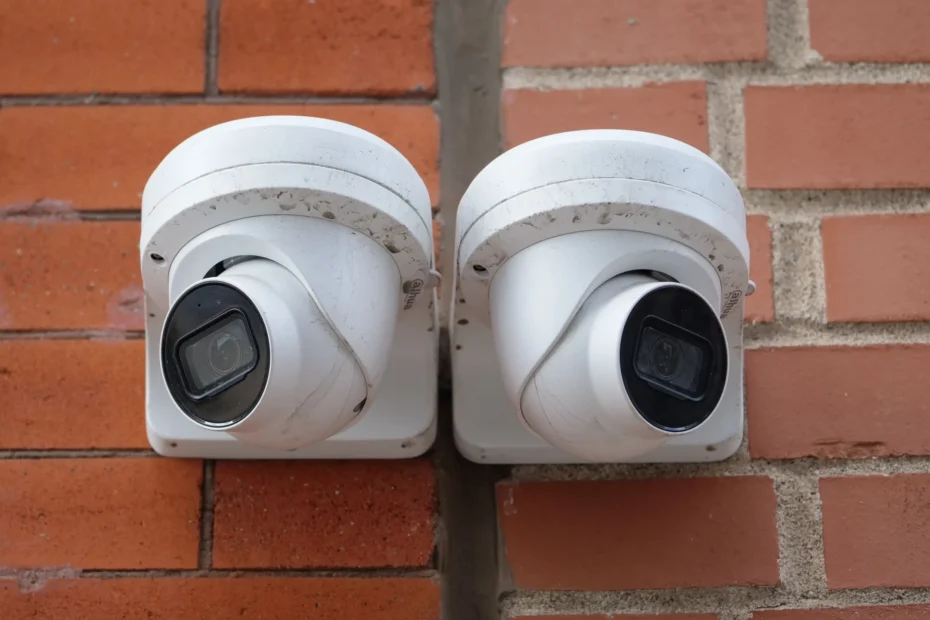
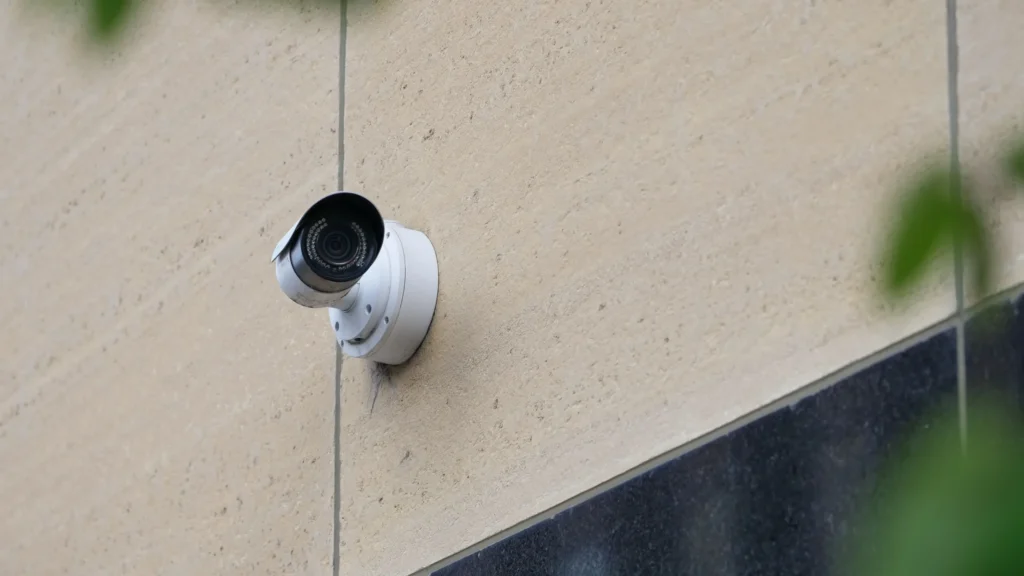
An outdoor camera is built to live outside your home. It is designed to handle rain, dust, heat, cold, and direct sunlight, and it usually watches a wider area than an indoor model.
Typical features:
- Weather resistance. Look for an IP rating such as IP65 or IP66, which means the camera resists dust and water spray. Without a rating, do not trust it outdoors.
- Night vision. Infrared or color night vision to see in the dark, often up to 15 to 30 feet.
- Motion detection and alerts. Better models can tell people, vehicles, and animals apart, which reduces false alarms from passing cats and moving trees.
- Floodlights or spotlights. Some outdoor cameras include built-in lights that switch on when something moves.
- Power options. Wired, battery-powered, or solar-assisted.
Pros:
- Acts as a visible deterrent before anyone reaches your door.
- Covers driveways, yards, garages, and porches.
- Records package deliveries and visitors.
Cons:
- Costs more than indoor models because of the tougher build.
- Can trigger many alerts from cars, wind, and insects if not set up carefully.
- Needs a strong Wi-Fi signal outside, which can be tricky for far corners of a property.
- Battery models need recharging, especially in cold weather.
What Is an Indoor Security Camera?
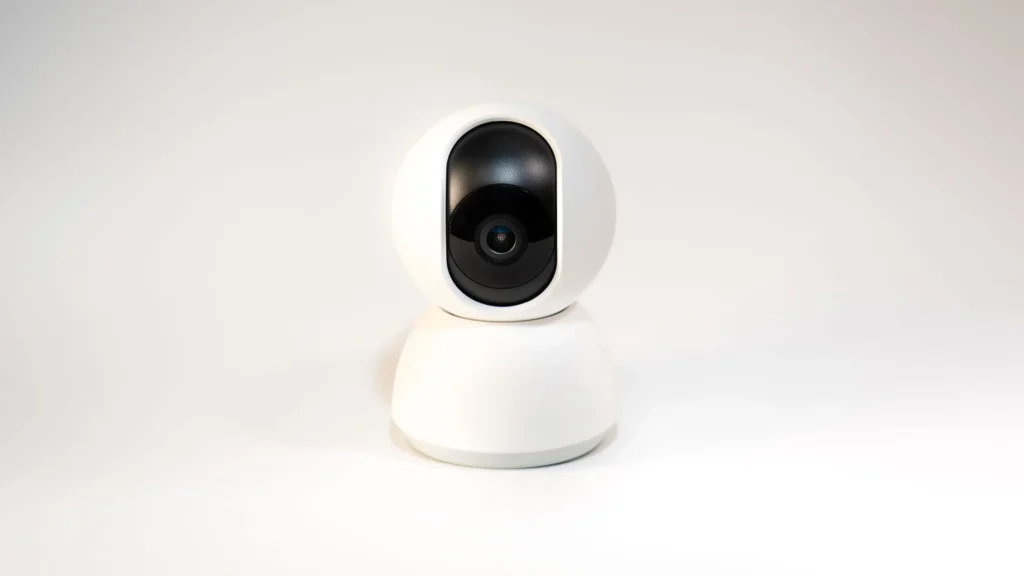
An indoor camera is made for a controlled environment. It is smaller, cheaper, and easier to place on a shelf, table, or wall.
Typical features:
- Pan and tilt so one camera can cover a whole room.
- Two-way audio so you can talk to a pet, child, or visitor.
- Privacy shutters or modes that physically or digitally block the lens when you are home.
- Plug-in power, so you rarely deal with batteries.
Pros:
- Lower price and simple setup.
- Great for checking on pets, kids, and relatives.
- Useful as a second layer of protection if someone gets past your outdoor cameras.
Cons:
- Not weatherproof, so it should never be used outside.
- Does little to deter a break-in, because the intruder is already inside.
- Raises more privacy concerns, since it records the inside of your home.
Indoor vs Outdoor Cameras: Side-by-Side Comparison
| Feature | Outdoor Camera | Indoor Camera |
|---|---|---|
| Main purpose | Deterrence and early warning | Monitoring inside activity |
| Weather protection | Yes (check the IP rating) | No |
| Typical price range | Mid to high | Low to mid |
| Power | Wired, battery, or solar | Usually plug-in |
| Field of view | Wide, covers yards and entrances | Room-sized |
| Night vision | Longer range | Shorter range |
| Privacy risk | Low for you, higher for neighbors | Higher for your household |
| Best for | Houses, driveways, porches | Pets, kids, elderly care |
Which One Do You Really Need? Five Common Situations
1. You live in a house with a front yard or driveway. Start with an outdoor camera at the front door and one covering the back door or garage. Entry points matter more than open space.
2. You live in an apartment. A camera pointed at the hallway from inside is often enough, and an indoor model is easier to install without drilling. Check your lease first, because some buildings restrict cameras that face shared areas.
3. You travel often. Use a combination. Outdoor cameras alert you to approaching visitors, and one indoor camera in the main living area lets you confirm that everything is fine inside.
4. You have pets, young children, or an elderly relative at home. An indoor camera is the priority. Outdoor cameras are a bonus.
5. You mainly worry about stolen packages. A video doorbell or a small outdoor camera aimed at the porch solves this on its own. You do not need a full system.
Where to Place Your Cameras for the Best Coverage
Good placement matters more than buying an expensive model.
Outdoor placement tips:
- Mount cameras 8 to 10 feet high, out of easy reach but with a clear view of faces.
- Cover the front door, back door, garage, and any ground-floor windows.
- Avoid pointing straight at the sun or a bright light, which washes out the image.
- Keep cameras within reliable Wi-Fi range, or use a mesh extender.
Indoor placement tips:
- Place cameras in common areas such as the entryway, living room, or hallway rather than bedrooms or bathrooms.
- Position them to see the door that leads outside.
- Avoid aiming directly at windows, since glare and reflections hide detail.
Wired vs Battery vs Solar: Power Matters
Power is one of the most overlooked decisions.
- Wired cameras are the most reliable and never need charging, but installation takes more effort.
- Battery cameras are easy to place anywhere, but you must recharge them every few weeks or months depending on activity.
- Solar-assisted cameras reduce charging, though they need enough daily sunlight to work well.
If you want a camera you can forget about, wired is usually the best choice for outdoor entry points, while plug-in indoor models are simple and dependable.
Privacy and Legal Points You Should Not Ignore
A camera is only a good idea if you use it responsibly.
- Do not record where people expect privacy, such as bathrooms, bedrooms, or your neighbor’s windows and yard.
- Tell guests and household members that cameras are in use, especially indoors. Some regions require it.
- Check local laws on recording audio and video, because rules differ by country and state.
- Use privacy modes on indoor cameras when you are home.
Privacy also means protecting your footage from hackers, which brings us to the next point.
Protect Your Cameras From Hackers
A security camera that is easy to hack is worse than no camera at all. Government cybersecurity agencies regularly warn about weak passwords and outdated firmware on connected cameras. Follow these steps from day one:
- Change the default password and use a long, unique one.
- Turn on two-factor authentication in the camera app.
- Update the firmware whenever the manufacturer releases a fix, or enable automatic updates.
- Secure your Wi-Fi router with a strong password and modern encryption, and consider putting cameras on a separate guest network.
- Remove unused features you do not need, such as remote access ports or old shared accounts.
- Buy from established brands that publish security updates for several years.
For trusted, step-by-step advice, read the Federal Trade Commission’s guide on securing your internet-connected devices at home, CISA’s recommendations for securing new internet-connected devices, and the CISA alert about the UK NCSC advisory on securing internet-connected cameras.
If you also use a connected lock, see our article on whether smart locks are safe and worth it for more ways to keep your smart home secure.
What to Look For Before You Buy
Whatever type you choose, check these features:
- Video resolution: 1080p is the minimum. 2K or higher helps you read license plates and recognize faces.
- Storage options: Local storage (microSD or a home hub) avoids monthly fees. Cloud storage is convenient but usually requires a subscription.
- Smart alerts: Person, package, and vehicle detection cut down on useless notifications.
- Field of view: Around 130 degrees or wider for outdoor entrances.
- Compatibility: Make sure it works with the voice assistant and smart home system you already use.
- Subscription costs: Read the fine print, because some features only work with a paid plan.
- Security track record: Choose manufacturers that issue regular updates and explain how they protect your data.
A Simple Starter Plan by Budget
- Low budget: One outdoor camera or video doorbell at the front door.
- Medium budget: Front door and back door outdoor cameras, plus one indoor camera in the main living area.
- Complete coverage: Add a garage or side-yard camera, a second indoor camera for pets or children, and connect everything to a smart hub or alarm system.
Start small. You can always add cameras later once you see how well the first one fits your routine.
Common Mistakes to Avoid
- Buying an indoor camera and using it outside.
- Placing cameras too low, where they can be easily covered or knocked down.
- Ignoring Wi-Fi strength, which leads to missed alerts and choppy video.
- Skipping software updates and leaving the default password in place.
- Pointing cameras at public sidewalks or neighboring homes.
- Choosing only by price and ignoring subscription fees.
Frequently Asked Questions
Can I use an outdoor camera indoors? Yes. Outdoor cameras work fine inside, but they are usually bulkier and more expensive than you need for a living room.
Can I use an indoor camera outside? No. Indoor cameras are not built for rain, dust, or temperature changes and will fail quickly or become unsafe.
Do I need both indoor and outdoor cameras? Not always. A single outdoor camera at the entrance covers most homeowners’ needs. Add an indoor camera if you want to monitor pets, children, or relatives.
Do security cameras really deter burglars? Visible cameras make a property look like a harder target, which can encourage intruders to move on. They work best alongside good locks, lighting, and common-sense habits.
Are battery cameras good enough for outdoor use? Yes, for locations where running a cable is difficult. Just expect to recharge them regularly.
Do I need a monthly subscription? Not necessarily. Cameras with local storage can record without a fee, but cloud features such as long video history and advanced alerts often require a plan.
Final Verdict
You do not need every camera on the market. For most homes, the smartest setup is simple: an outdoor camera covering your main entrance, and an indoor camera only if you have a specific reason to look inside. Choose reliable hardware, place it thoughtfully, protect it with strong passwords and updates, and respect the privacy of the people around you.
A well-placed camera and good digital habits beat a pile of gadgets every time.